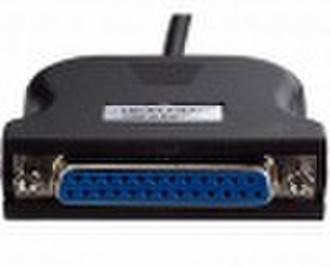
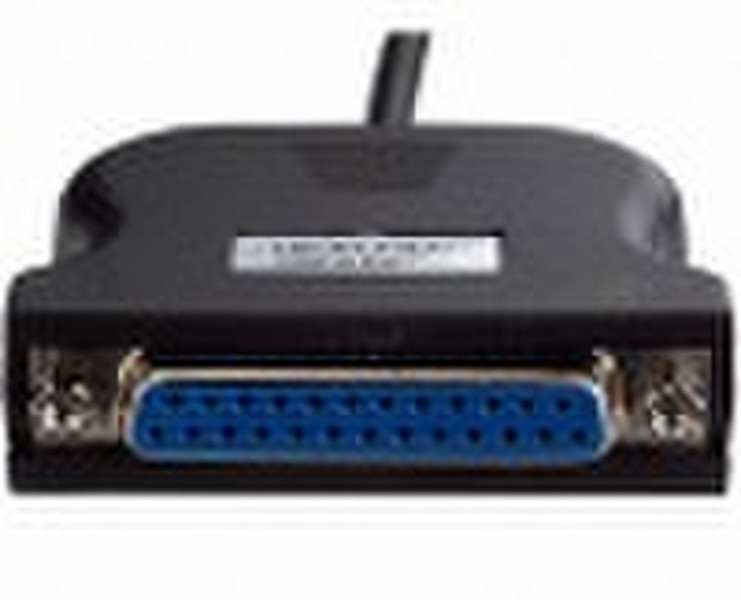
USB parallel cable


Myron Wang
Contact person
Basic Information
parallel Name: USB parallel cable Packaging: Retail Blister Pack Model:SP111 Features: 1) One point connects to the DB36 Port of combing printer, and another point connects to the USB Port of computer 2) Turn on the printer's power and insert this into the USB Port. The Windows system will inform that the computer has found a new hardware 3) To the Windows 2000 / XP system, system will automatically find and recognize the driver, then inform you that it has found the printer and the automatically setting up will go on immediately 4) To the Windows ME, it needs to direct to the catalogue of driver / Windows 98 and set up the driver of printer's combing Port. The computer will inform that it has found the printer and will set up the compatible driver immediately
Delivery terms and packaging
Port: FOB Shenzhen
Payment term
Telegraphic transfer
MoneyGram
Western Union

-
Payment Methods
We accept:




